
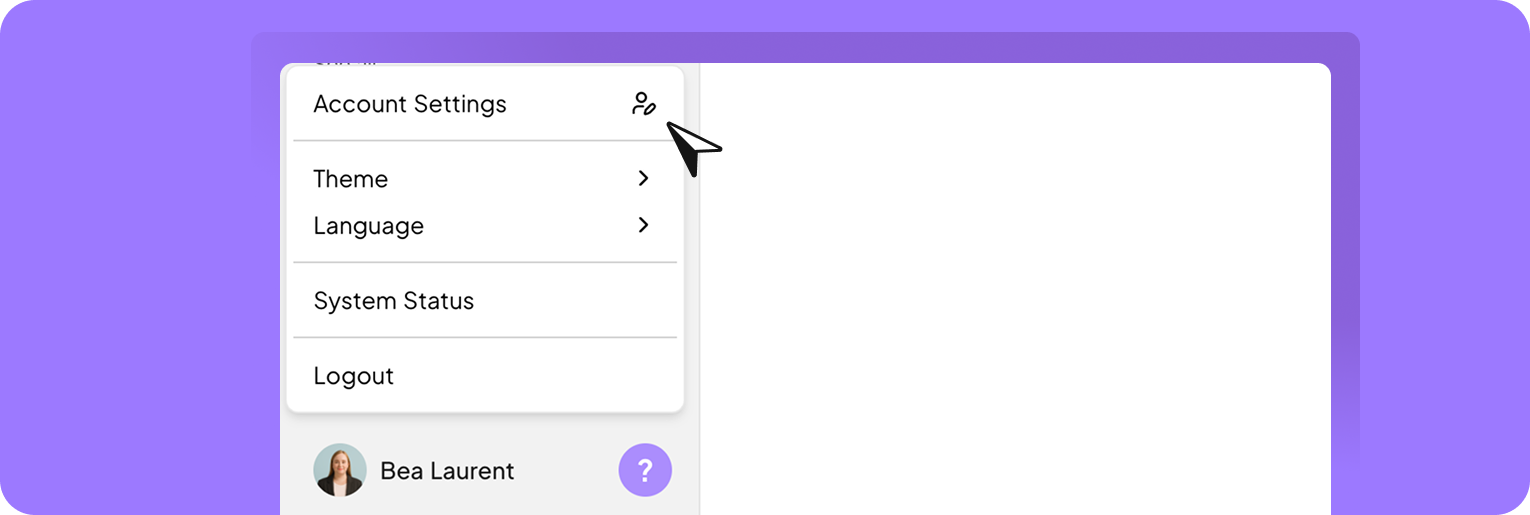
Profile
In the Profile section, you can view and update your personal information:- Change or remove profile picture: Click the pencil icon in the image area to upload a new picture or remove the existing one.
- First & Last Name: Edit your personal details directly in the form field.
- Email Address: For security reasons, your email address cannot be changed.
Preferences
Customize the basic appearance of your user interface and default AI model:- Theme: Choose between light, dark, or system-based appearance.
- Language: Set the interface language (e.g., German, English or French).
- Preferred AI Model: Select the AI model to be used by default in new chats (e.g., GPT-4.1). Learn more about AI models here.
Memories
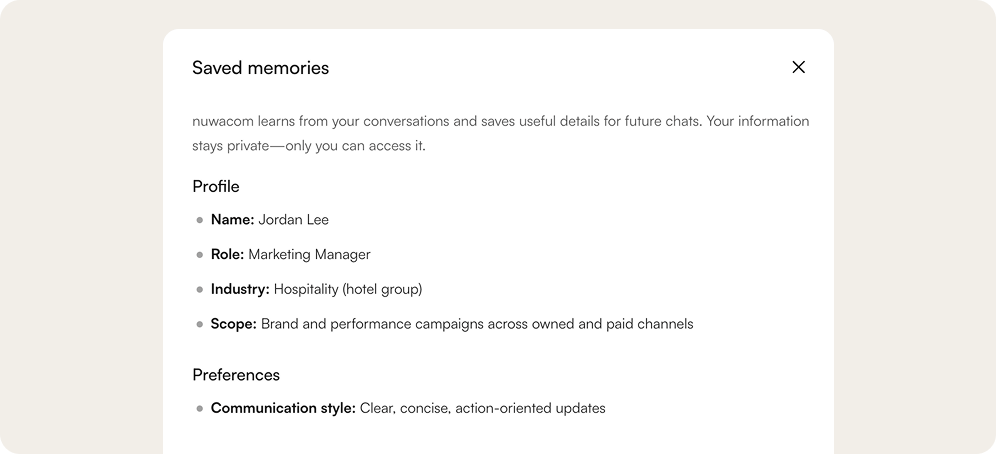
Enable memories
- Open the profile settings.
- Go to Memories.
- Enable ‘Remember content from chats’.
Manage memories
Click Manage memories to view, edit, or delete saved memories. New memories can also be added through an instruction in the AI chat, for example:Import memories
Memories from other AI tools can be imported. How it works:- Click Import memories.
- Copy the displayed prompt.
- Paste it into the other AI provider.
- Copy the result.
- Paste it into nuwacom.
- Click Add to memories.
FAQ
When are chat memories used?
When are chat memories used?
Memories are only used if you have enabled them in your personal settings.
Where are saved memories applied?
Where are saved memories applied?
Saved memories are used exclusively in personal chat conversations. They help nuwacom better adapt future responses to your preferences and work context.
Are memories also used with agents or in the knowledge base?
Are memories also used with agents or in the knowledge base?
No. Memories are not applied to agents or knowledge base content. They are used exclusively in personal chat conversations.
Where can I manage my saved memories?
Where can I manage my saved memories?
Under Profile settings > Settings, you can see all privately saved memories from your conversations. You can delete individual memories or remove all saved memories completely.
Can I disable chat memories?
Can I disable chat memories?
Yes. You can enable or disable chat memories at any time in your personal settings.
Orchestrator
The Orchestrator is the central system in nuwacom for handling complex tasks. It automatically coordinates multiple specialized agents and tools and can be activated via the model selection in the chat. In the settings, you define which agents are available for orchestration. Select the agents that should support complex task execution and activate them accordingly. This gives you control over which capabilities are included and how tasks are handled.Voices
This feature allows you to analyze, define, and save specific tone-of-voice and writing styles, making them available across your entire workspace. All team members can easily apply these styles when creating content — ensuring consistent and brand-compliant communication throughout the organization. You have two options for creating a voice style:- Identify a Voice Style (recommended): Let the AI analyze your writing based on samples or web pages and define the tone accordingly. You can manually refine the results afterward if needed.
- Define a Voice Style manually: Describe the desired tone by considering characteristics such as formal or informal, emotional or objective, subjective or neutral, and consistent or dynamic.
Note: For details on managing workspace settings and user permissions, please refer to the 🔗 workspace settings article and 🔗 user management article.