Introduction: What makes an AI rollout unique?
Introducing AI is fundamentally different from rolling out traditional software. While classic tools like CRM or ERP systems work deterministically (same input = same output), AI is probabilistic: the same request can lead to different results. This opens up enormous potential for customization, but it also requires targeted enablement and guidance for users. Benefits:- AI is flexible and can support almost every area of a business.
- It fosters innovation, efficiency, and new forms of collaboration.
- Users need to learn how to work confidently with the new technology.
- Clear responsibilities and a structured rollout process are essential.
The ideal setup
1. Leadership Buy-in: Driving adoption from the top
Success factor:AI integration works best when leadership actively drives the initiative. This means:
- Strategic anchoring: AI is part of the overall business strategy, not just an IT project.
- Role modeling: Leaders use AI themselves and communicate openly about opportunities and goals.
- Resources: Time, budget, and staff are allocated for AI adoption.
2. Internal AI responsibility: AI Owner & Team
Recommendation:Appoint a central AI Owner or a dedicated AI team. This role is the hub for:
- Coordinating the rollout
- Identifying and prioritizing use cases
- Training and supporting employees
- Acting as the link between business units, IT, and management
- Quick response to questions or issues
- Continuous development of AI usage across the company
3. AI Champions: Multipliers in business units
Why Champions?Each department has different needs and AI potential. AI Champions are motivated employees who:
- Test AI applications first and provide feedback
- Support and encourage their colleagues
- Act as a bridge between the AI Owner and their department
- Run an open call or directly approach AI power users
- Provide incentives through training opportunities or recognition
4. User-centered adoption: Training & Enablement
Key points:- Training should be practical and role-based (e.g., HR, Sales, Customer Service).
- Hands-on workshops and use case sessions build understanding and acceptance.
- A central Help Center provides accessible guides, FAQs, and best practices at any time.
- AI chatbots can support onboarding for new employees while demonstrating AI’s potential.
5. Use Case Development: From pilots to scaling
Approach:- Start with well-defined pilot projects in selected departments.
- Gather experience and measure success (e.g., time savings, quality improvements).
- Scale successful approaches across the organization.
Document use cases and share them so all teams can benefit.
6. Governance & Data Protection: Security as a foundation
Essential:- Clear guidelines for AI usage (e.g., handling sensitive data, result transparency).
- Collaboration with data protection officers and IT security.
- Regular reviews and updates of policies.
7. Continuous improvement: Feedback & Community
Recommendation:- Establish feedback channels (e.g., via Help Center or surveys).
- Promote an open learning culture and experience sharing (e.g., “My AI highlight of the week”).
- Stay up to date with AI developments and adapt your strategy continuously.
Summary
Your roadmap for a successful AI rollout:- Secure leadership buy-in
- Establish AI Owner and team
- Recruit AI Champions in departments
- Provide user training and enablement
- Start pilots and scale successful use cases
- Ensure governance and data protection
- Gather feedback and continuously improve
Tip
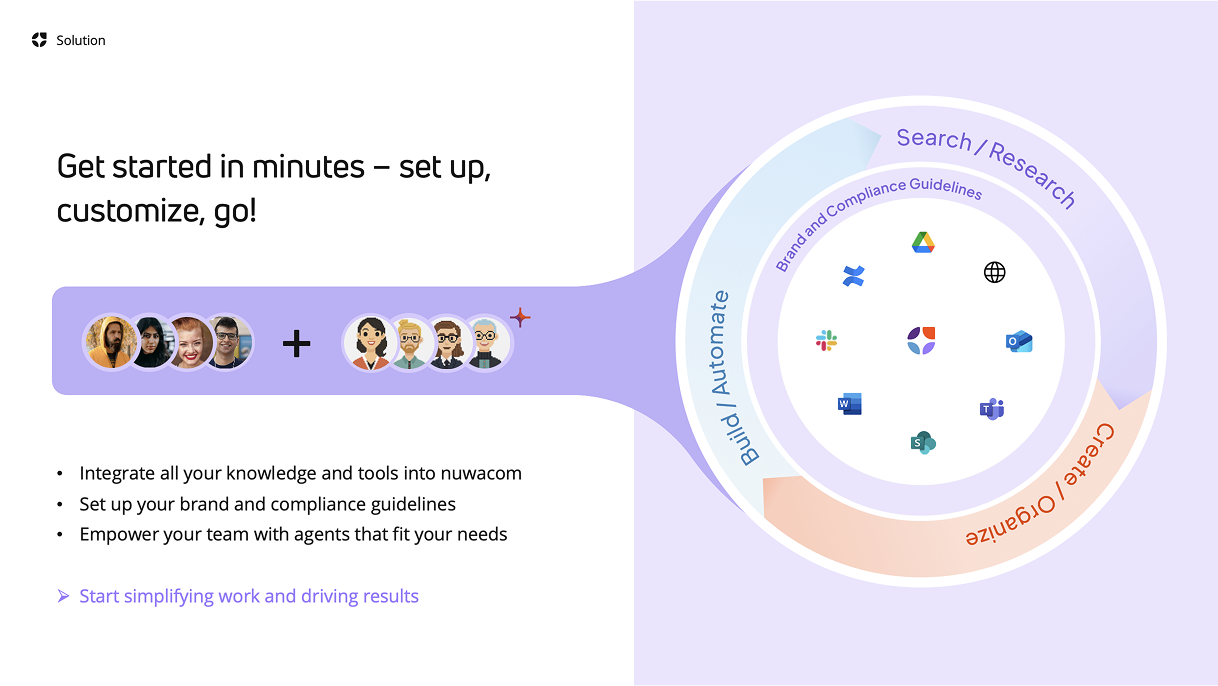
Use the nuwacom platform as your central operating system for productive, secure, and sovereign AI usage. This creates the foundation for sustainable success and a future-ready workplace.
Further resources, templates, and best practices can be found in the nuwacom-Help Center. We’re happy to support you in planning and executing your individual AI rollout.