
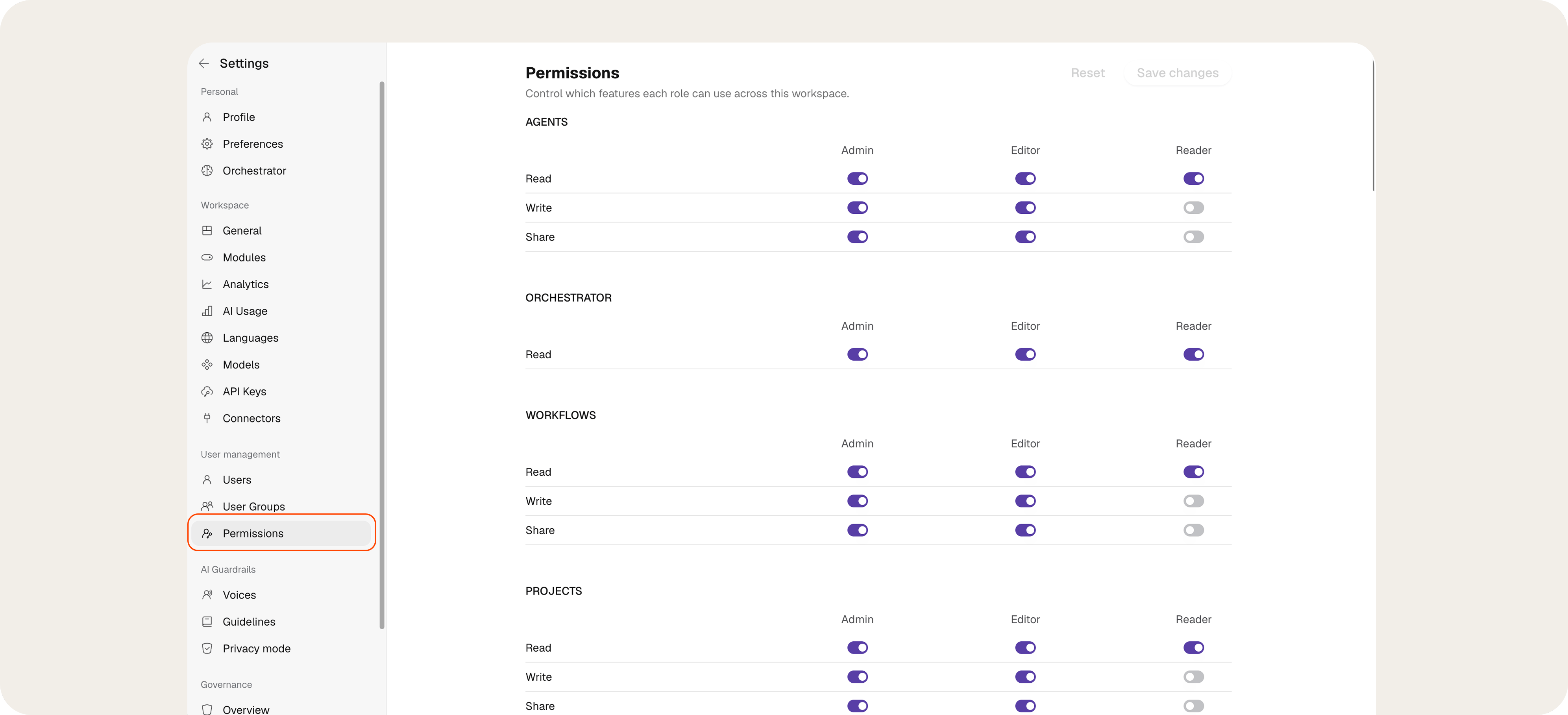
Agents
Orchestrator
Workflows
Projects
Meetings
Documents
Slides
Apps
Skills
Prompts
Writing Styles
Image Generation
Video Generation
User Group Management
Workspace
Agent Publishing
Governance
Important: This switch currently controls access to the module only. Actions such as transferring ownership, reviewing shares, or applying governance measures depend on separate rules and are not controlled by this switch alone.
Knowledge Base
Special case: Chat attachments may still be available in certain cases when standard Write access to the Knowledge Base is disabled because they use a separate technical process.
General rules
- If Read is disabled, Write and Share cannot be used for the corresponding feature.
- A role can share content without being able to edit it if the feature supports this separation.
- Depending on the feature, only Read, Write, or Share may be available.
- Permissions are enforced through both interface controls and technical safeguards, including access controls and product-level checks.