> ## Documentation Index
> Fetch the complete documentation index at: https://docs.nuwacom.ai/llms.txt
> Use this file to discover all available pages before exploring further.
# Search
> Quickly access information and generate content from your data
The module offers you and your team an efficient way to quickly and accurately find the information you need. Simply enter a search term into the search bar—nuwacom scans your briefings, chats, documents, and sources in the knowledge database within seconds. The result is a precise and speedy delivery of the necessary information. From the search results, you can directly generate new content, such as creating summaries or generating internal newsletters.
The module uses advanced algorithms to better understand your queries and maximize the relevance of search results.
The search results are continuously updated, ensuring you always have the most current data available. This way, you always stay up to date.
The existing permissions of your data sources are considered, so you only see the information that is intended for you.
### **Watch the video to see how nuwacom connects to the knowledge of your organization – guided by Nuwa.**
***
## Navigate, Filter, and Sort Search Results
Navigate to the "Search" module and enter your search term in the search bar. You will receive matching search results with relevant information and data from your briefings, chats, documents, and sources in your knowledge database.
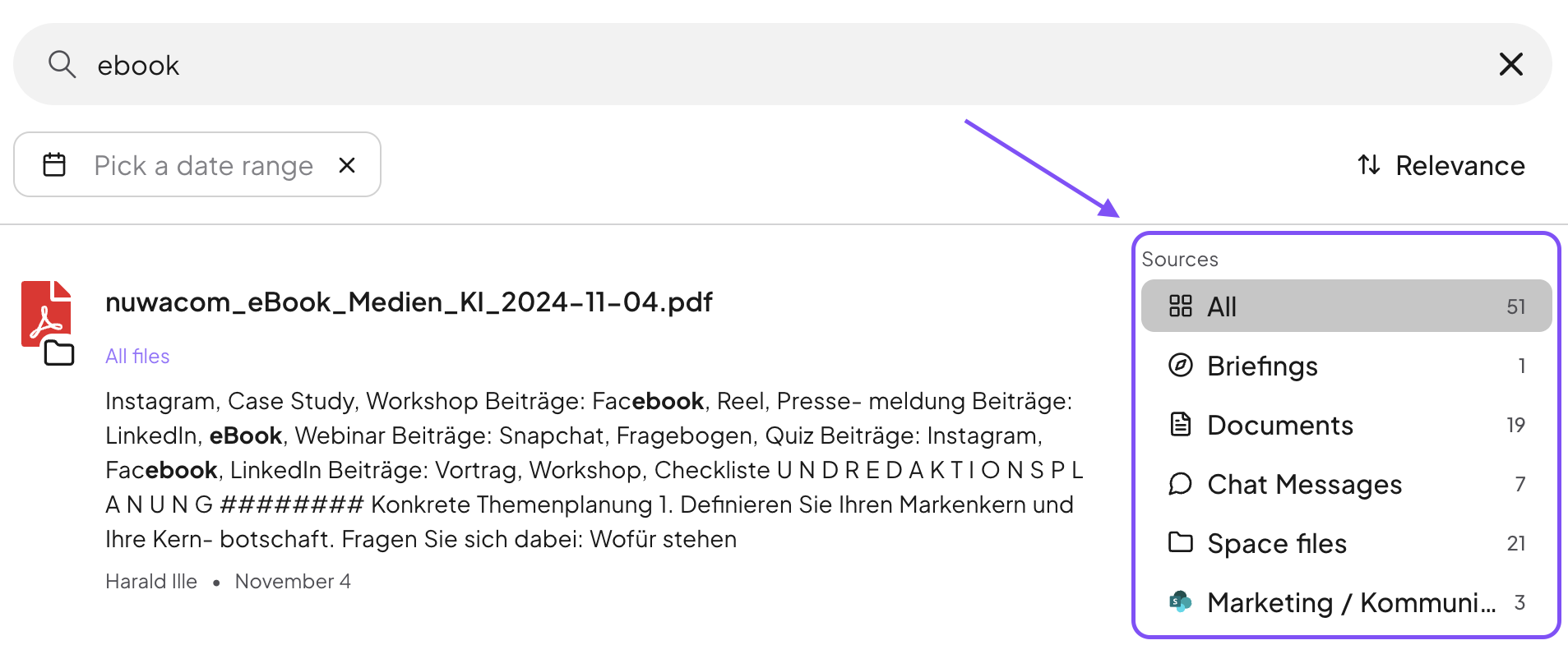
* Use the clear source view to filter by your preferred source or select a specific date range to further narrow down the search results.
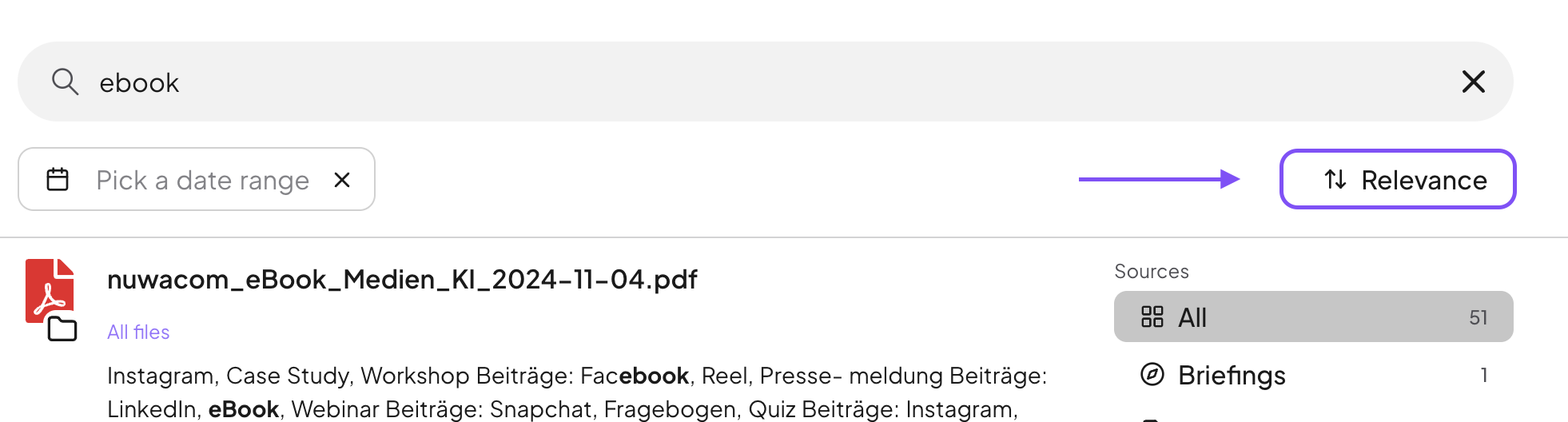
* Sort the results by relevance or creation date to quickly find the most important information for you.
## **From finding information to creating new content**
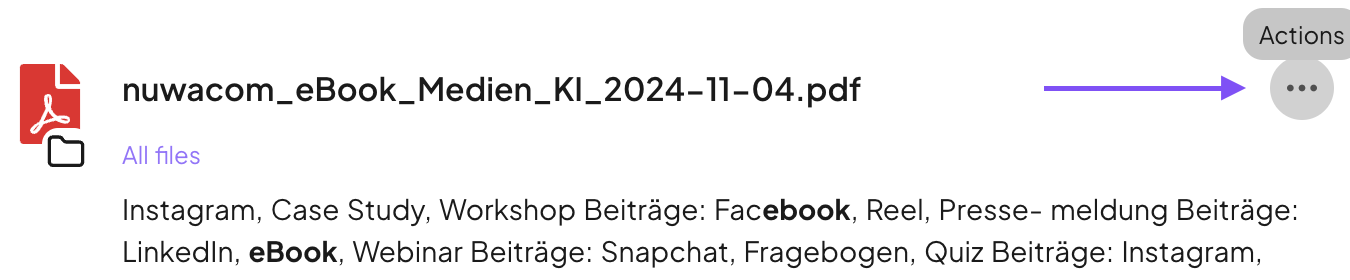
Open a new chat from a result and let the AI create a summary. Alternatively, you can create a content to generate documents like an internal newsletter.
 * Sort the results by relevance or creation date to quickly find the most important information for you.
 ## **From finding information to creating new content**
Open a new chat from a result and let the AI create a summary. Alternatively, you can create a content to generate documents like an internal newsletter.
## **From finding information to creating new content**
Open a new chat from a result and let the AI create a summary. Alternatively, you can create a content to generate documents like an internal newsletter.